Restoring old photos with artificial intelligence: how to turn pictures from the past into digital art.
Old photos are priceless memories that are often kept in paper albums. Over time they lose quality: they turn yellow, get scratched and lose detail. But modern technology such as artificial intelligence can bring family albums back to life. It can even make them brighter and more detailed than the originals.
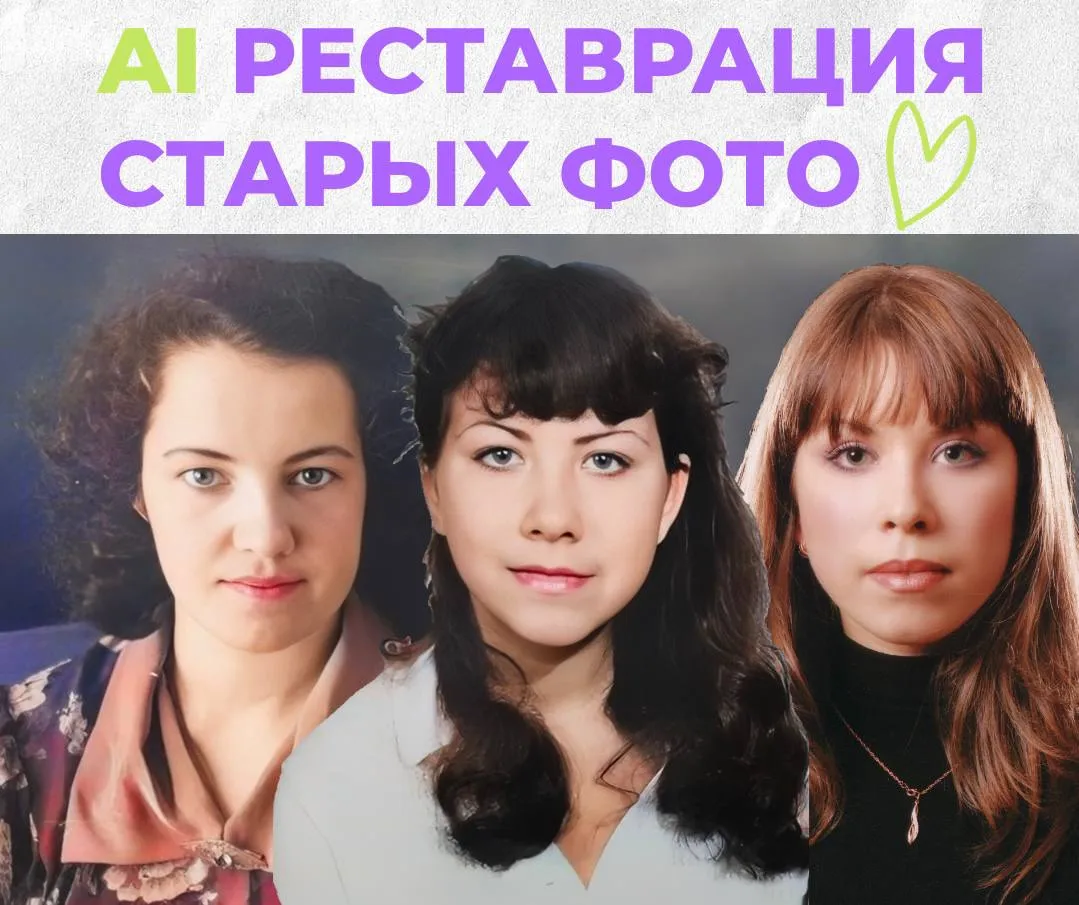
In this post I’ll show how I restored my grandmother’s old photos with AI and the quality I was able to achieve. I’ll also show how I later brought the family albums to life.
Step 1: Scanning or photographing old pictures
The first step in restoration is to digitise the old photos. If you don’t have a scanner, you can simply take pictures of them with your smartphone or camera. Do it in good light and on a flat surface, to avoid glare and distortion.
Step 2: Using an AI app for restoration
Once the photos are digitised, the next step is to process them with an app based on artificial intelligence. Such apps can remove scratches automatically, restore lost details and even add colour to black-and-white pictures. Unlike before, you don’t need special photo-editing skills for this. Now AI services do it in one click. Many of them are paid, but I use a free option.
Restoring black-and-white photos
Old photos are often black and white, and restoring them needs a special approach. AI can improve the contrast, remove noise and even fill in missing parts of the picture. At this stage the picture looks fresh again, while keeping its historical value.
Adding colour to old pictures
Adding colour to old black-and-white photos is another way to make them feel more modern and alive. Artificial intelligence analyses the picture and adds colours that suit the objects in it, whether skin, clothes or nature. The result is often strikingly realistic. But remember: AI chooses the colours and small details itself, so they are its guess, not an exact copy of the past. For example, MyHeritage says plainly that colours after colourisation may not be accurate, and that enhanced faces are a simulation.


Step 3: Animating the photos and making a family video
Restored and colourised photos can be brought to life: AI services such as Deep Nostalgia by MyHeritage animate the faces in pictures. Then you can put them together into a video that tells your family’s story. In this video you can link the photos to particular historical events and add text and music. The result is a unique and moving film about your ancestors.
Restoring old photos with artificial intelligence is an amazing way to preserve and revive memories of the past. With modern technology you can not only restore pictures, but also make them more expressive by adding colour and movement. Such a film keeps your family history in a new format that future generations can enjoy.
I talk about the free services I use to restore and animate family albums in my Patreon lessons on creating content with AI (in Russian) — https://www.patreon.com/cw/mnogobukoff_ai