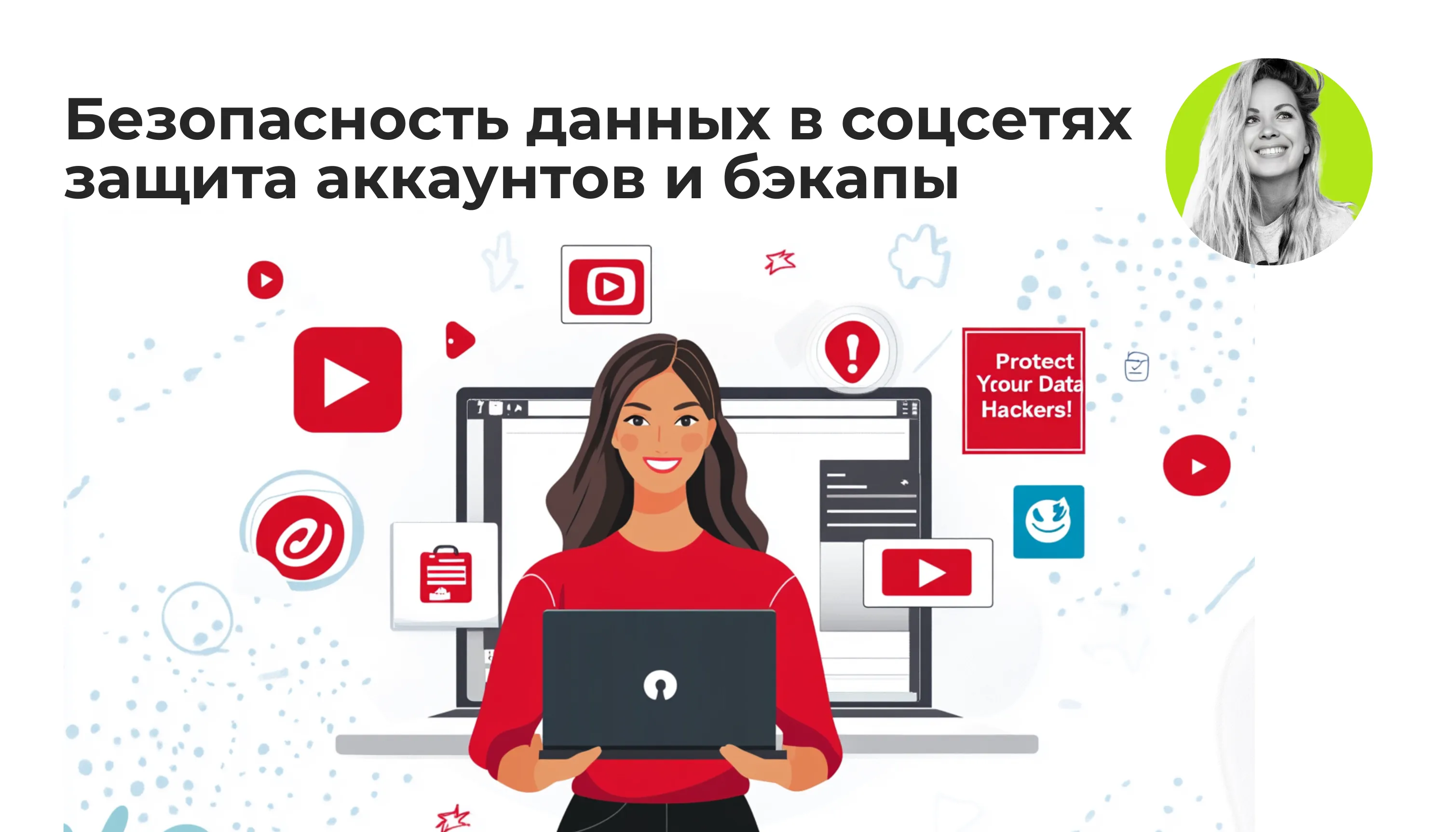
In today’s digital world, data protection has become one of the key factors in successfully running a business or personal accounts. This is especially true for people who work actively on social media and put their effort, time and money into growing their pages. Losing data, getting hacked or losing access can have serious consequences, from damage to your reputation to financial losses. That’s why it’s so important not only to follow basic security rules, but also to back up your data regularly. In this article, I’ll look at the key points of data security. I’ll also tell you how to protect your accounts and avoid losing important information.
-
Passwords. Your password is your first line of defence. Make sure it’s strong enough and different for every account. Use a mix of numbers, letters and special characters, avoid obvious phrases, and don’t use the same password on several sites.
-
Password managers. Tools like LastPass let you store passwords safely and fill them in automatically when needed. This lowers the risk of a data leak when you type a password on sites you don’t trust.
-
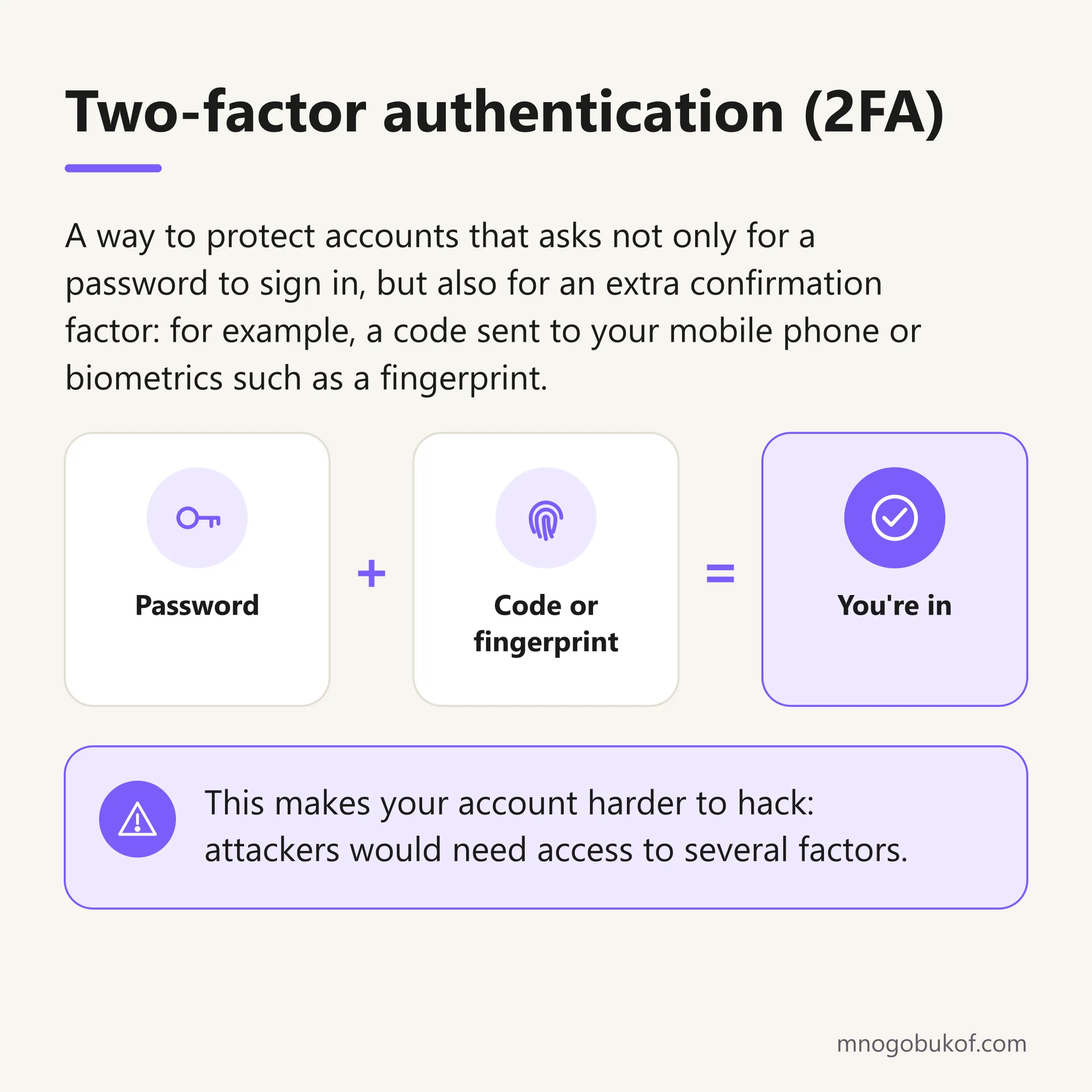
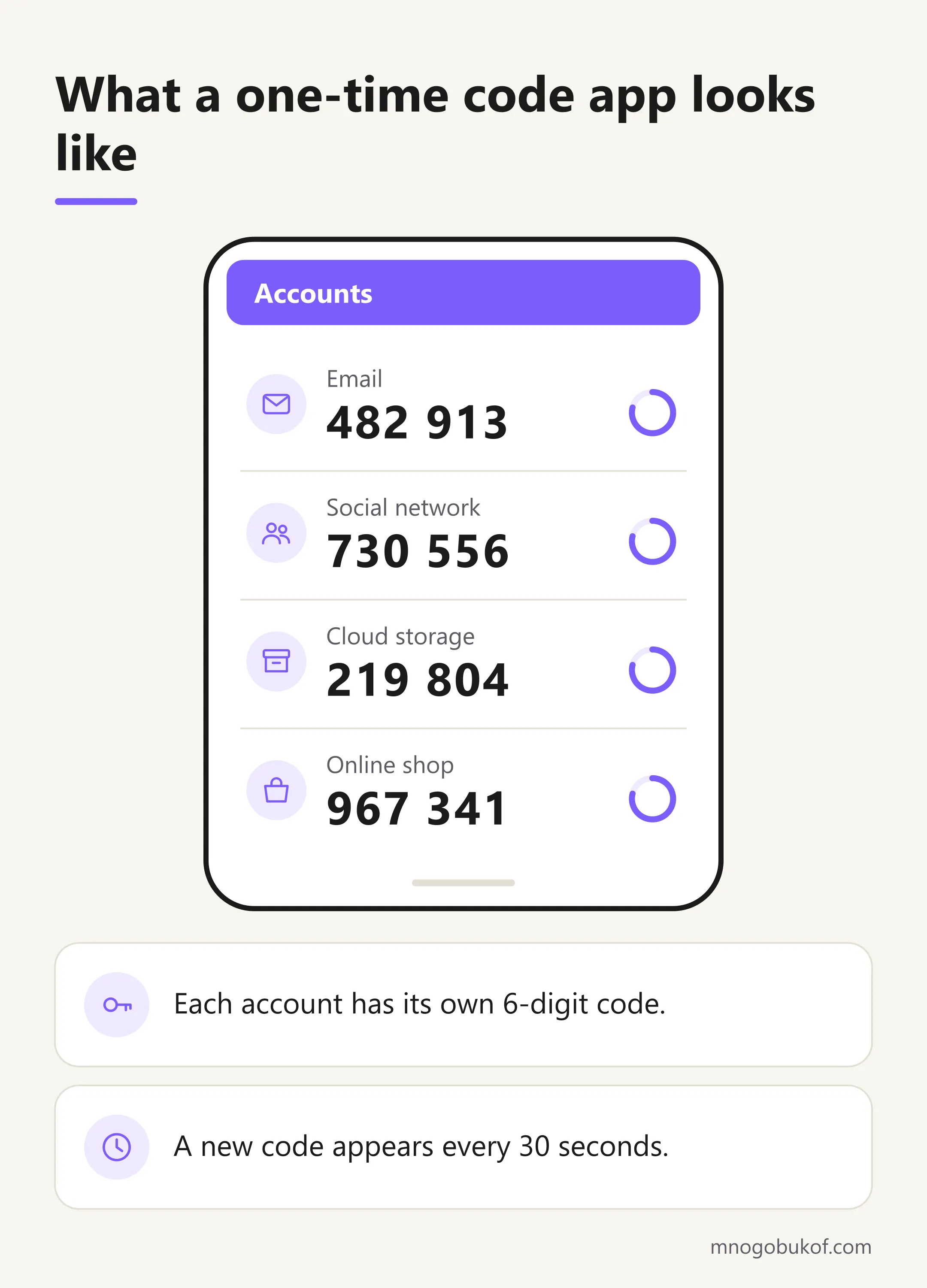
Two-factor authentication (2FA). Setting up two-factor authentication is one of the most reliable ways to protect your account. Apps such as Google Authenticator generate one-time codes that you enter when you log in from a new device. The code changes every 30 seconds. It helps protect you from hacking and losing your account, even if someone knows your login and password.
-
Data backups. Back up your data regularly: for example, social media posts, contacts and important documents. Then you can restore it if you lose access to your account or delete something by accident. You can keep backups in cloud services or on external drives.
-
Phishing attacks. Be careful with suspicious messages and links, especially from unknown sources. Scammers often use phishing to trick you into giving away passwords or other confidential information.
-
How to recover a hacked account. If your account has been hacked, change your passwords on all platforms straight away and set up two-factor authentication. Contact the platform’s support and follow its instructions to get your access back. Instagram and Facebook have official pages for this: instagram.com/hacked and facebook.com/hacked.
A picture guide: two-factor authentication and data backups
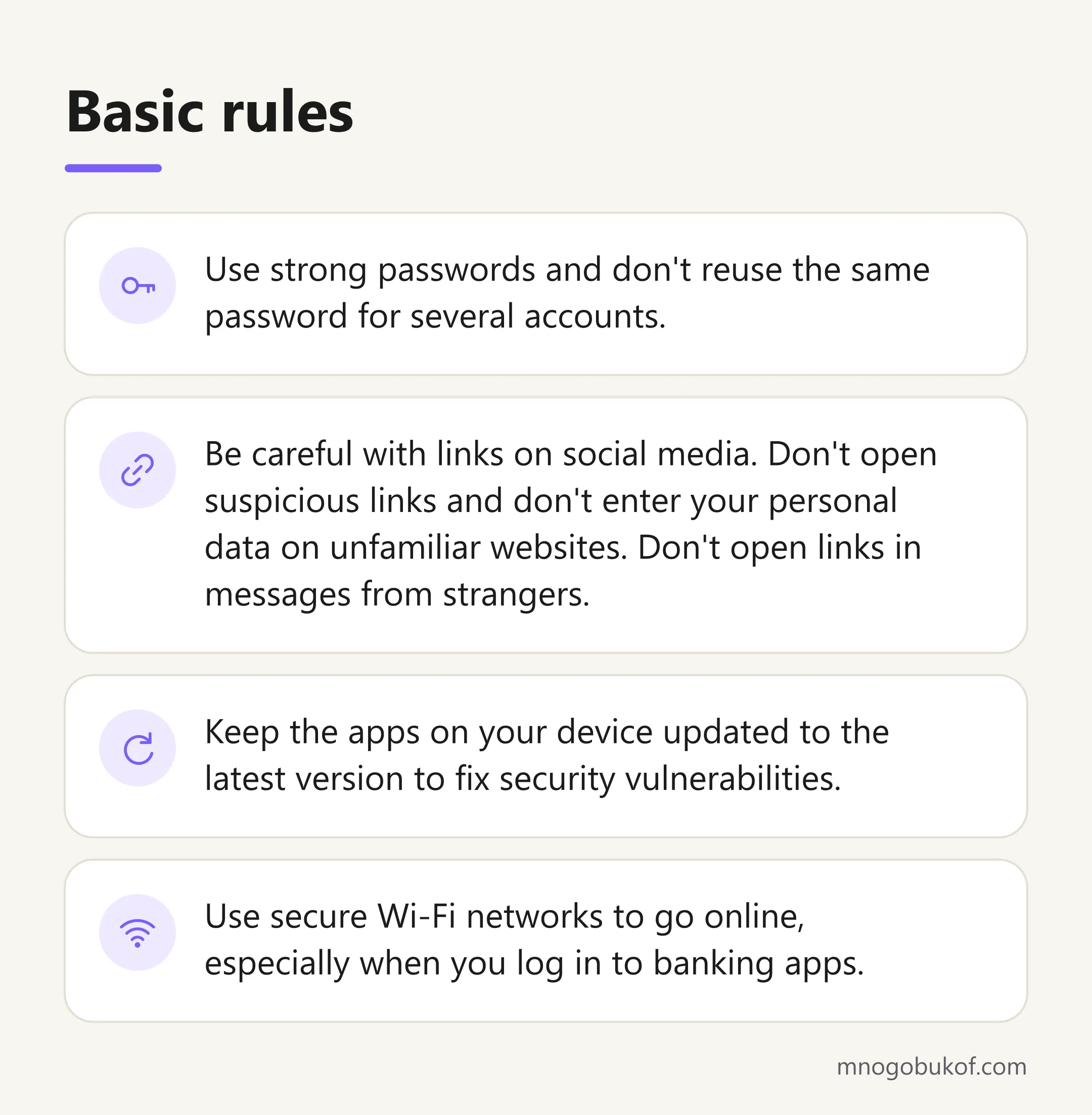
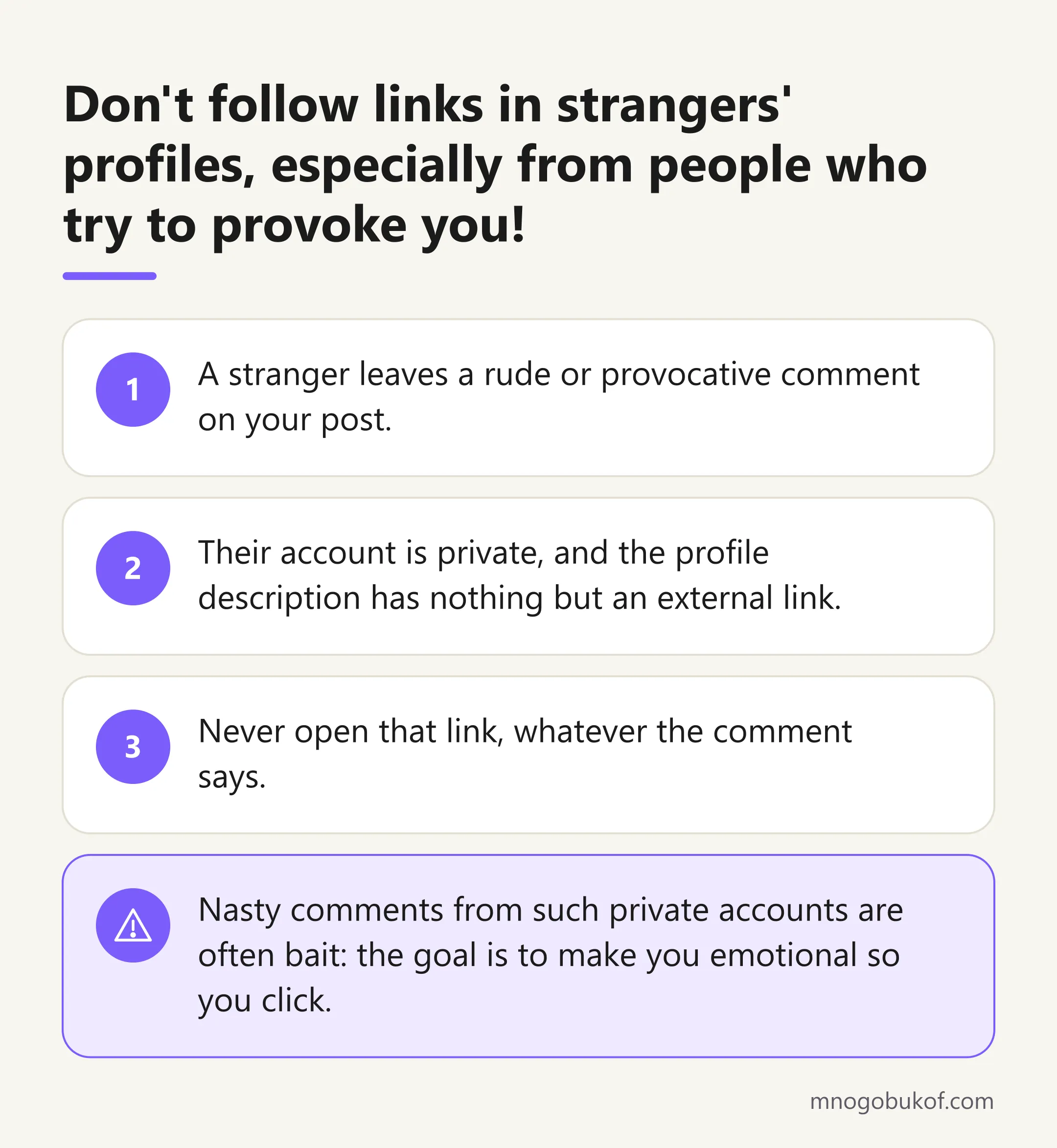
Don’t click suspicious links, and don’t enter your personal details on dubious websites. The same goes for emails, links in the bios of spam accounts, and Instagram Direct messages⬇️
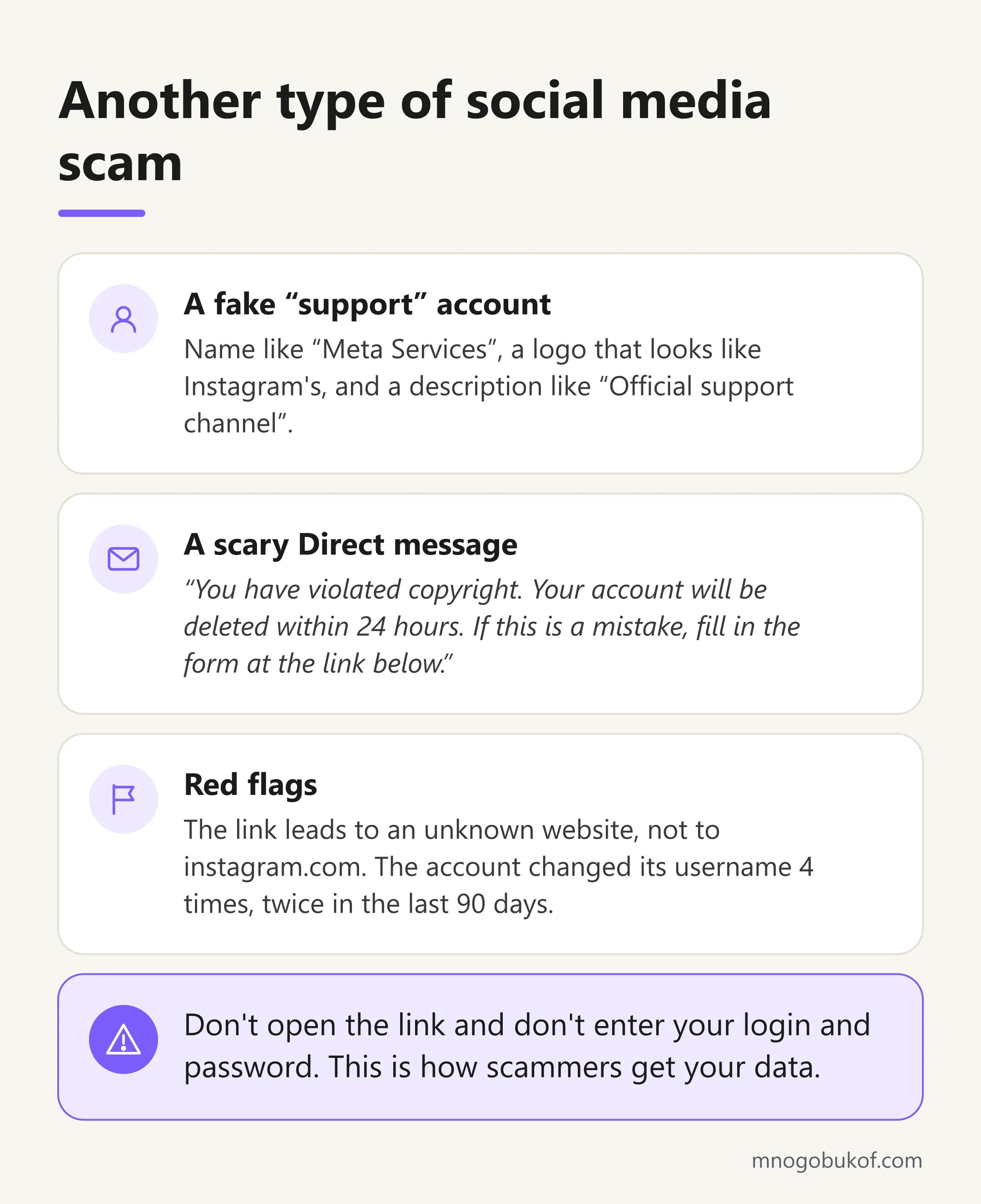
Here is a clever way to hack accounts⬇️. Scammers hack someone’s page and redesign it to look like Instagram’s official page. Then they send people a Direct message: “You have violated third-party copyright. Follow this link urgently, or your account will be deleted within 24 hours.” That link is how you hand your data over to the scammers.
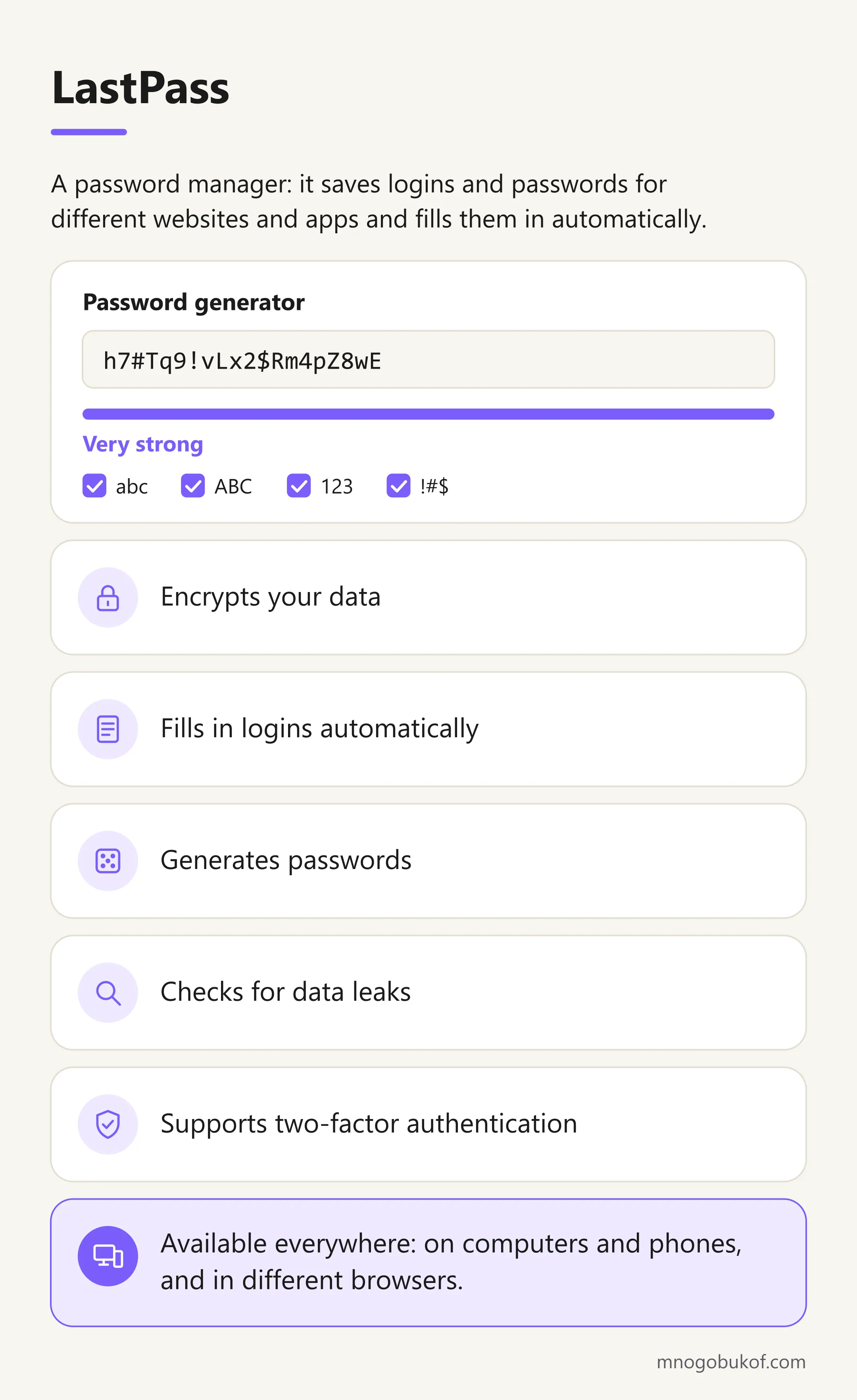
Password managers
LastPass is a password manager that saves logins and passwords for different websites and apps and fills them in automatically.
Update, November 2026. In 2022, attackers stole a backup copy of LastPass users’ vaults. The passwords in it are encrypted, but the website addresses are not, and a weak master password can be guessed. So in any password manager, use a long, unique master password and turn on two-factor authentication for it.
Two-factor authentication
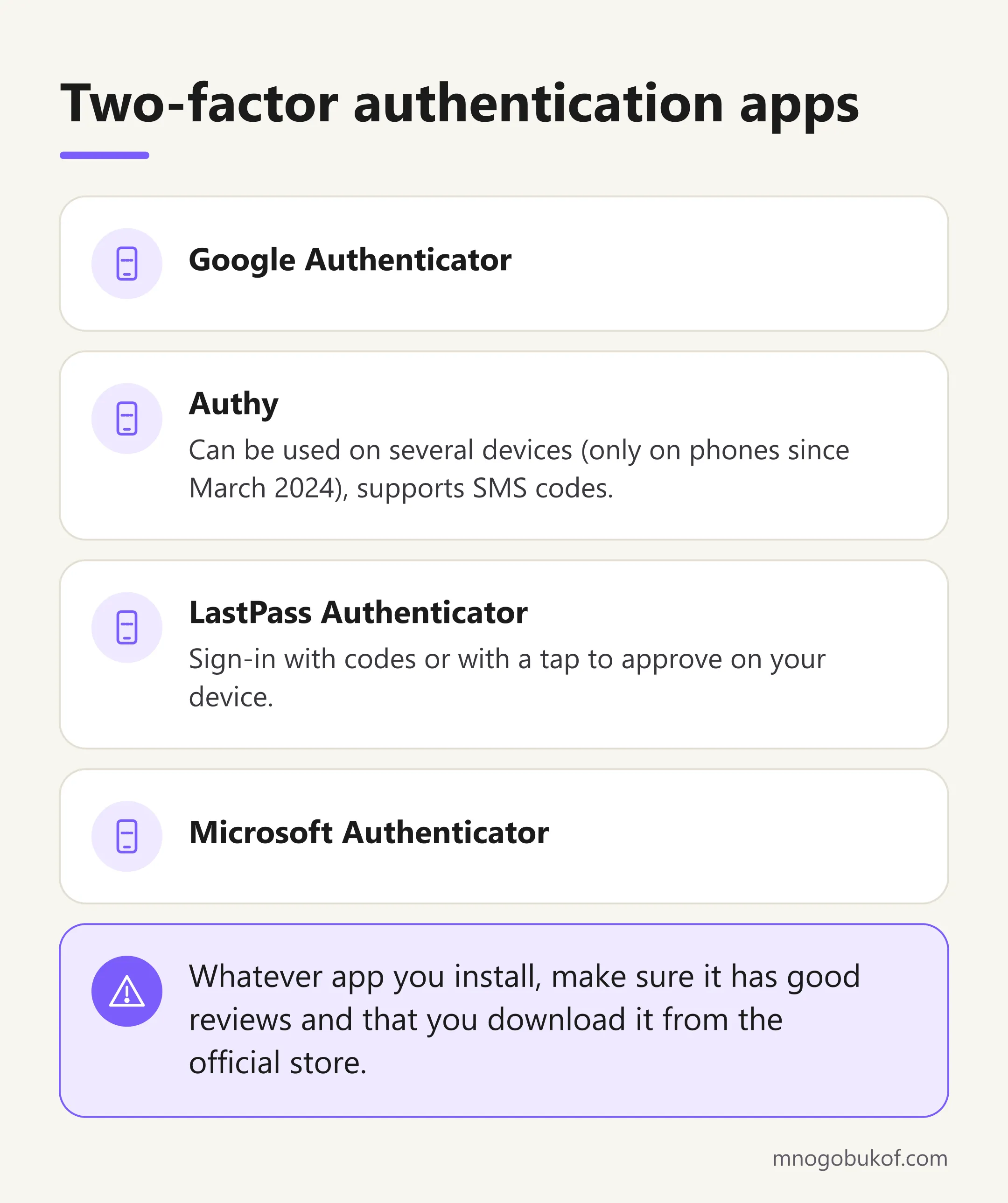
Update, November 2026. The Authy desktop apps were shut down in March 2024; Authy now works only on phones.
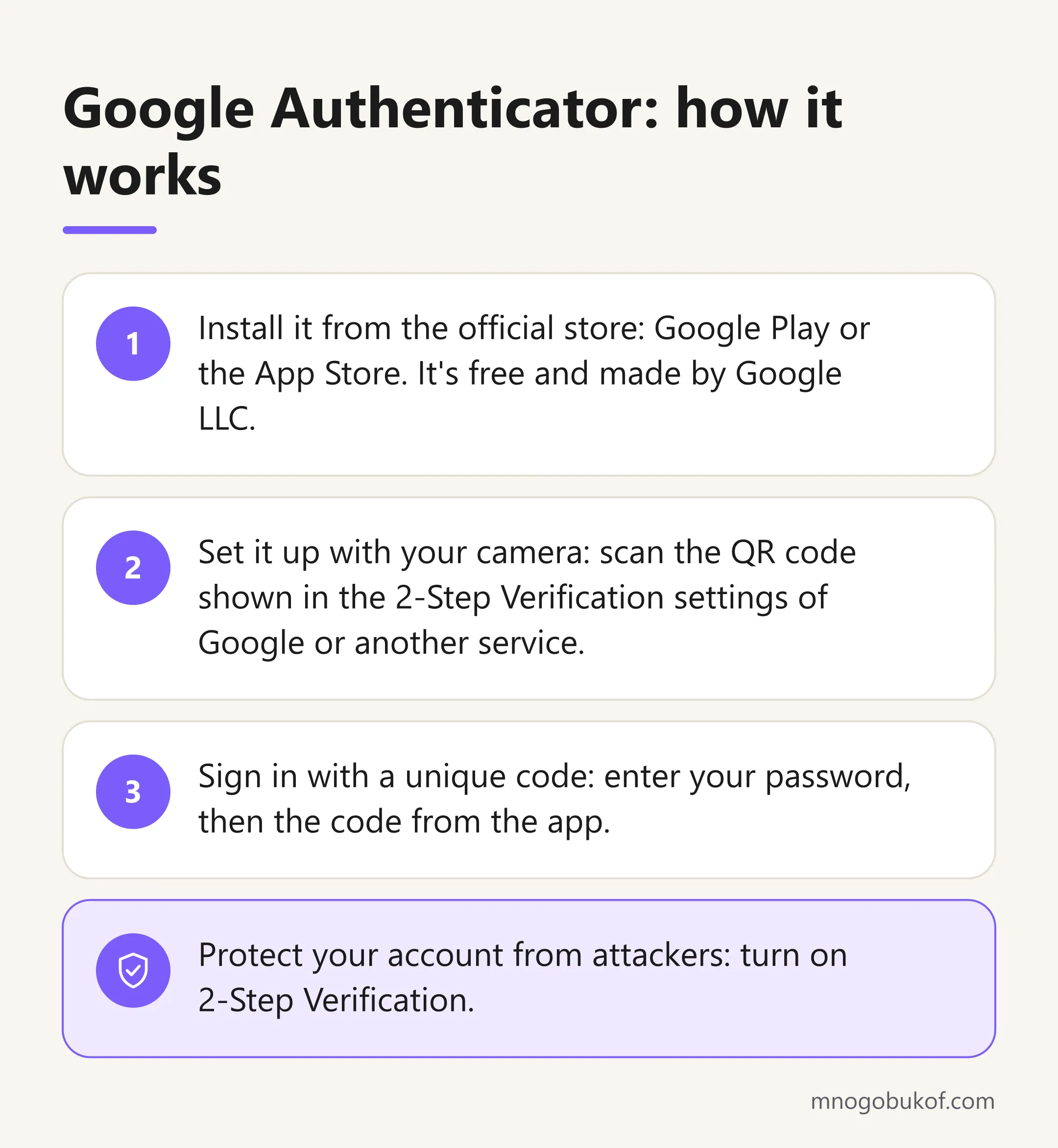
I use Google Authenticator
and this is what these one-time code apps look like inside:
Warning
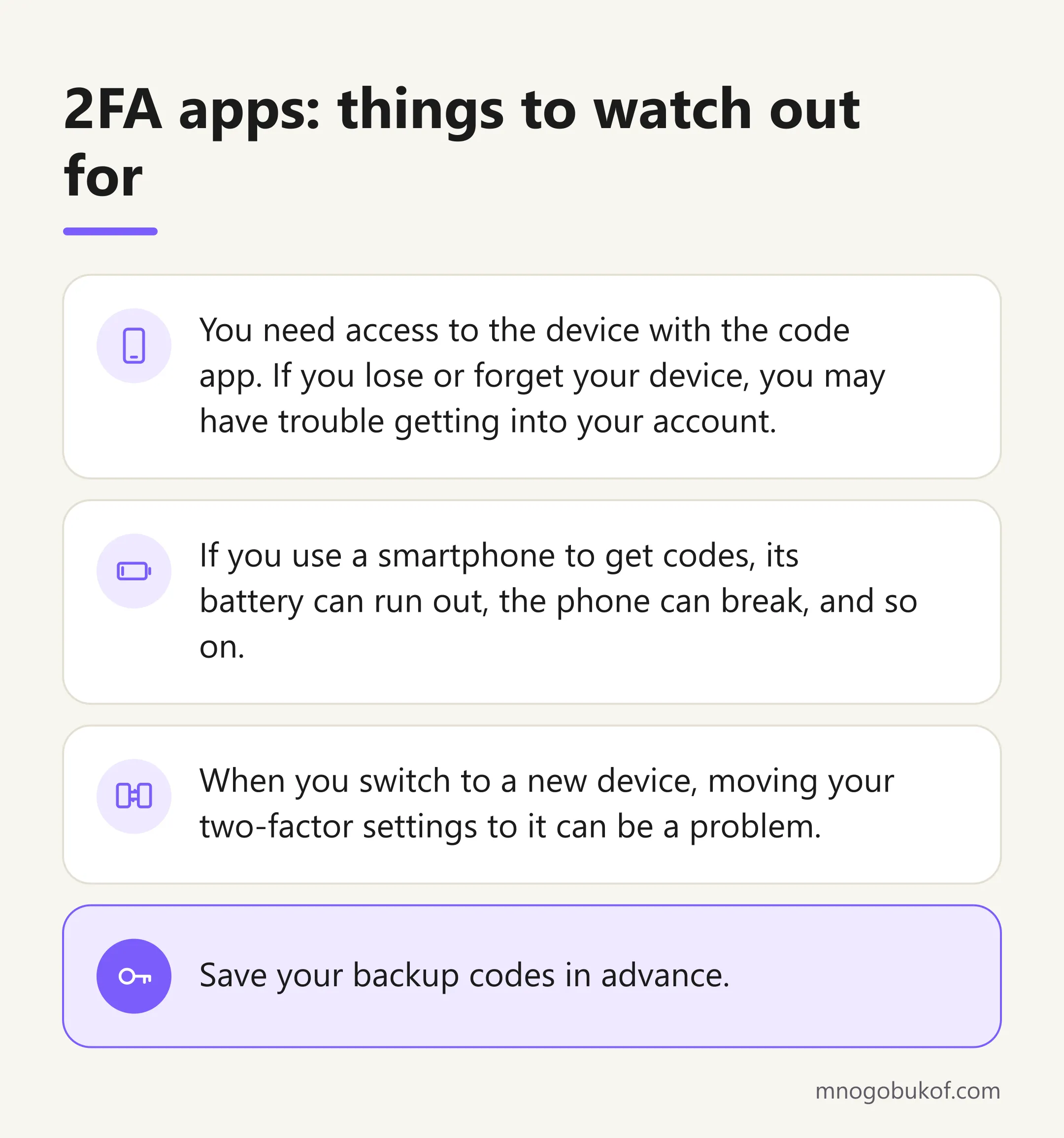
Update, November 2026. In case this happens, save your backup codes in advance. On Instagram, you’ll find them in Accounts Centre, under “Password and security” → “Two-factor authentication”. And since 2023, Google Authenticator can save your codes to your Google Account, which makes moving them to a new phone easier.
You might think two-factor authentication is too complicated and decide not to use it. But in my view, recovering a hacked account is much harder.
Backups and archiving your data
A social media account lives by the platform’s rules: it can be hacked, blocked or deleted, and we can lose years of work. In the EU, the Digital Services Act (DSA, Articles 17 and 20) requires platforms to explain a block and let you appeal it. But that doesn’t guarantee you get your page back. That’s why it’s important to back up everything you’ve published on your account:
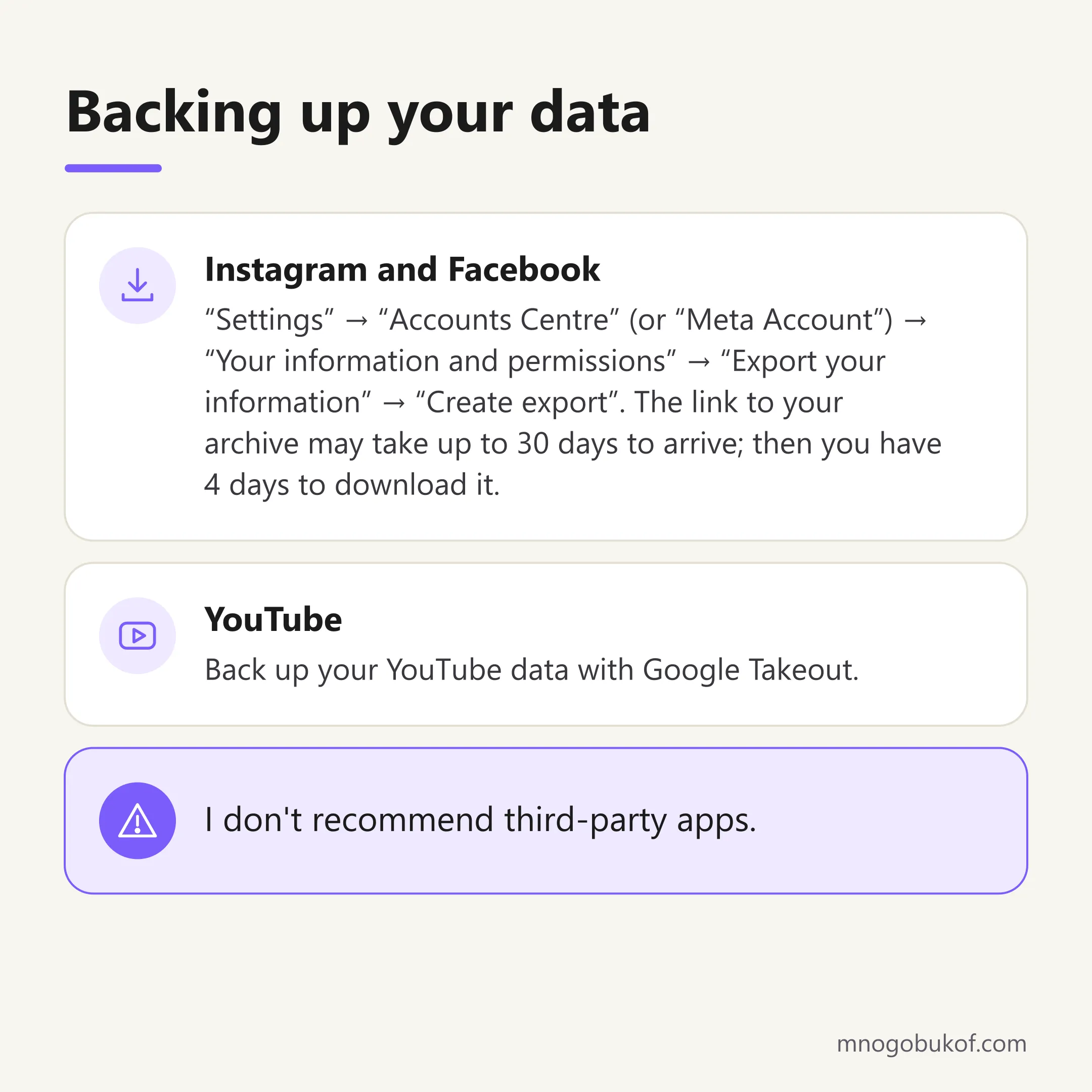
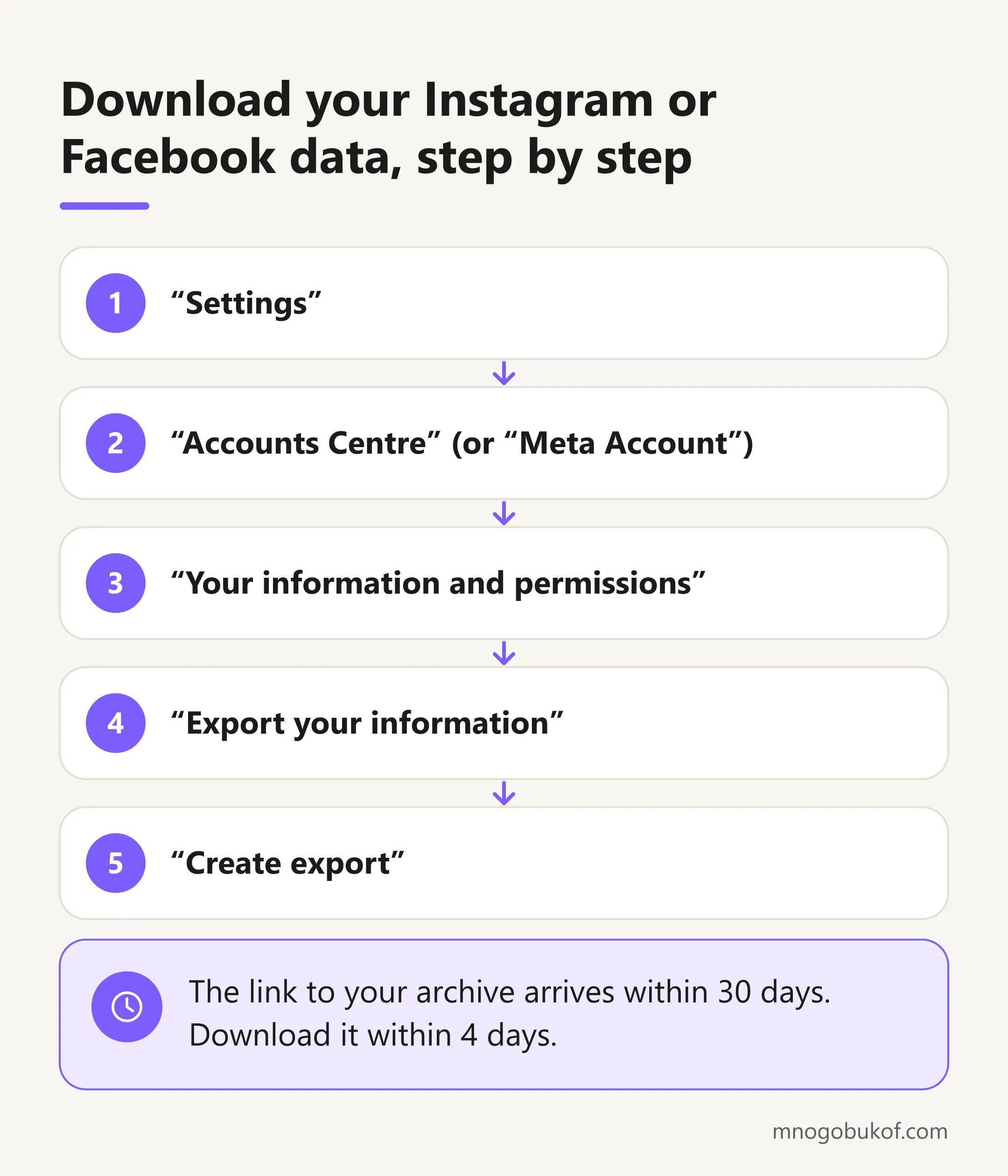
Update, November 2026. The menus have changed. On Instagram and Facebook, the path is now: “Settings” → “Accounts Centre” (or “Meta Account”) → “Your information and permissions” → “Export your information” → “Create export”. The link to your archive may take up to 30 days to arrive, and you then have 4 days to download it. For YouTube, Google Takeout still does the job.
What to do if your account has been hacked
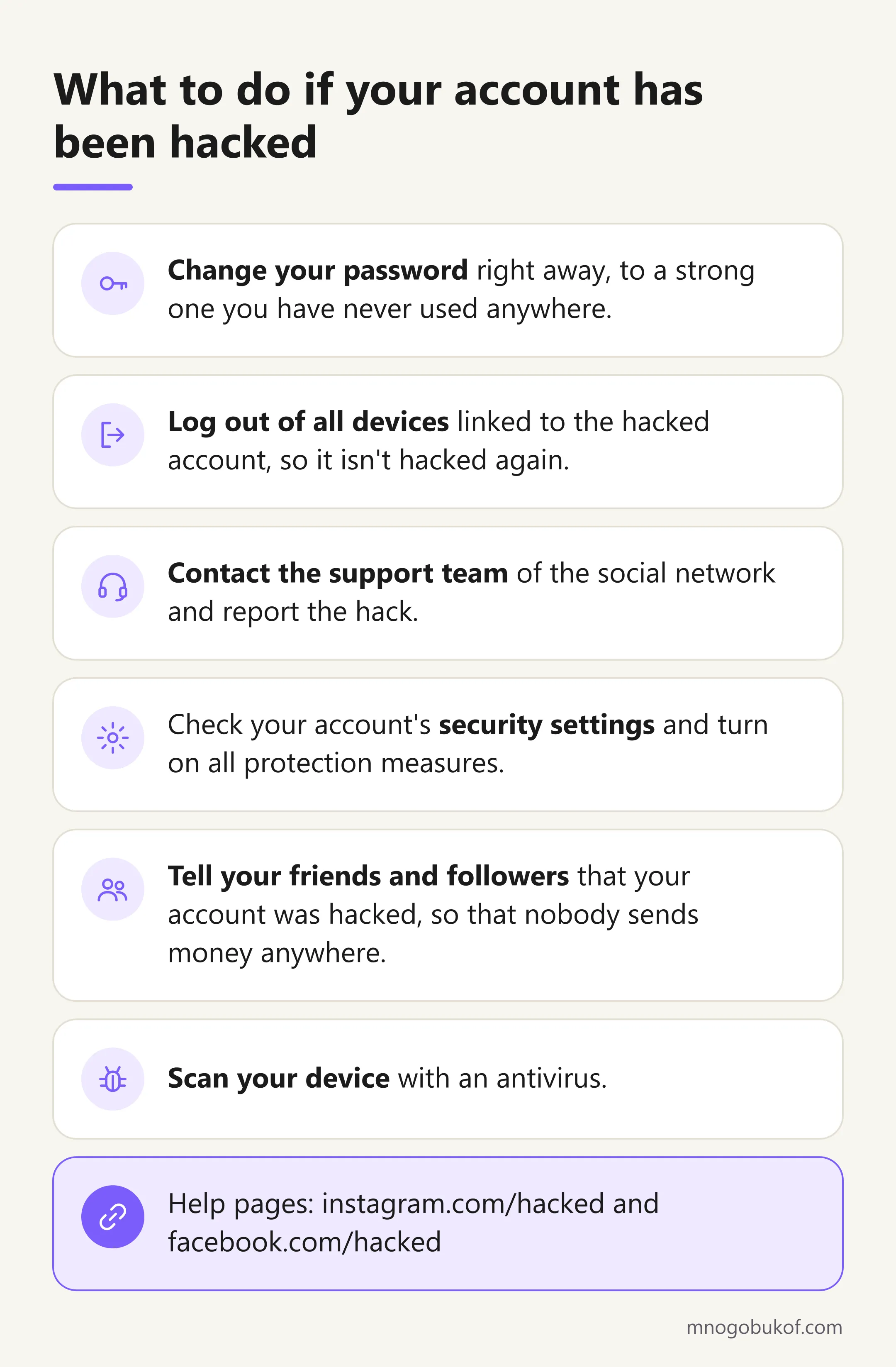
To sum up: use a strong password, don’t click strange links, don’t type your logins and passwords just anywhere + turn on 2FA and back up your data👌🏼
Data protection isn’t just a recommendation; these days it’s a must. Whether you blog, run a business or just chat on social media, it’s important to keep your account secure and back up your data regularly.
Following these simple rules will help protect you from most online threats. Keep reading my blog to learn more about online security, using AI to create content, social media management and other interesting topics.