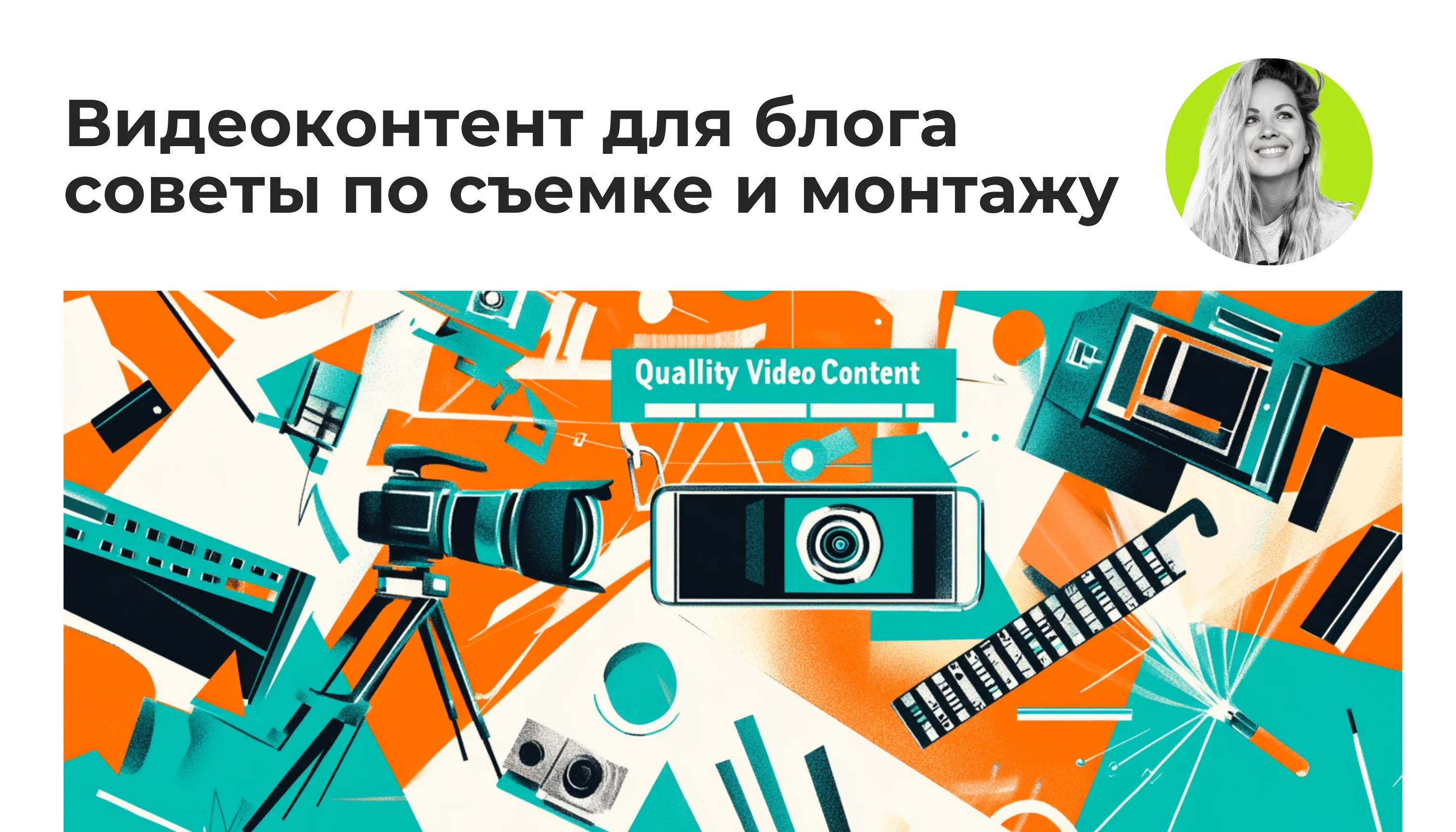
Today’s content world needs more than texts and photos. It needs quality video that catches attention and makes you stand out from other experts.
Video helps most with promoting a personal brand, because people buy from people. Video is how you can show your expertise, charisma and what makes you unique. Do you want to improve your video-making skills and stand out from competitors? This guide will help you film quality videos that attract followers and clients.
Try to film a lot. Skill comes with experience. 😘
I recommend this YouTube channel (in Russian), with good breakdowns of how films are shot and edited: https://youtube.com/@yazykkino.
The equipment I recommend:
✅ Budget microphones from Boya
✅ Or expensive Australian ones from Rode
✅ For good artificial lighting, I recommend Godox lamps
The dimmer the light, the nicer the shadows.
In the foreground, place something like a laptop or a flower; in the middle ground, the person; and in the background, a glowing lamp. Greenery creates a cosy, warm and pleasant feeling.
💡 The slower the video, the smoother the movement. Turn your phone upside down, with the camera at the bottom, for a deeper shot.
Film children, dogs and cats at their eye level. People and animals are easier to film than still objects.
Try to darken the shot a little when needed, or set the exposure to -1.3 in your phone camera settings and save it. Or tap the right part of the frame and darken it by hand.
Previsualisation. Make storyboards for yourself from other people’s professional shots. It’s important to study what came before us and, building on what you have seen, create your own unique video stories.
When there is no movement, use a tripod to keep the camera still. In dynamic videos, use no more than 10% static shots — this is a rough guide.
Dynamic shot — match the camera movement to the action in the frame. All action scenes and sport are filmed this way. Move your body, not your hands. In dance videos, move in time with the music.
3D movement — put the camera at 45 degrees at point A and move it at 45 degrees to point B. About 10% of the whole film is enough for shots like this.
Orbit — the camera moves around the subject: step from foot to foot in a circle and move your wrists at the same time.
Tracking shot from left to right and back.
Push in and pull out.
The grid on your phone — keep the subject’s eyes or head on the “working line”. The main subject shouldn’t “stick” to the edges of the frame, at the bottom, top or sides: keep equal margins. When filming a portrait, watch the space at the edges in the same way. The exception is when the subject walks past, leaves the frame or moves inside it.
Short camera movements. Put one foot on point A and the other on point B. Holding the camera, roll smoothly from one foot to the other, from point A to point B. The movement comes from your body, rolling from one foot to the other; keep your hips level with the ground. Keep the horizon straight and the camera movement smooth.
How to hold your phone camera for better stabilisation: keep your elbows tucked in, move softly, keep your knees springy, step from heel to toe, keep your hips parallel to the ground.
Video editing. What matters for sharp video quality
1️⃣ In your phone’s camera settings, in the video section, choose 1080p (Full HD) or 4K at 60 frames per second. On an iPhone it’s “Settings” → “Camera” → “Record Video”; on Android the names depend on the model. Save these settings, so you don’t have to set them again every time you open the camera.
2️⃣ When editing in the app, increase the video sharpness. It is usually shown as a full triangle or half of one. 🔺📐
For editing, I personally use the VN Photo & Video Editor app or CapCut. CapCut has a free plan; I just delete their short ad clip from the end of the video. You can also increase the contrast.
3️⃣ When exporting the finished video from the app, I set 1080p, 30 frames per second and a bitrate of about 30 Mbit/s. These settings work well for me on Instagram.👌🏼
Creating quality video content is not only a way to promote yourself. It’s also a chance to tell your story like no one else can. If you find this useful, be sure to share your results and tag me in your Reels or Stories. I run an active blog where I share professional secrets and my experience: https://instagram.com/mnogobukof/.
On my website, you can find many more useful articles on creating marketing strategies with AI tools. Follow me, keep an eye on updates and start growing your social media today!